 Scoreboard
Basketball score, with the game clock
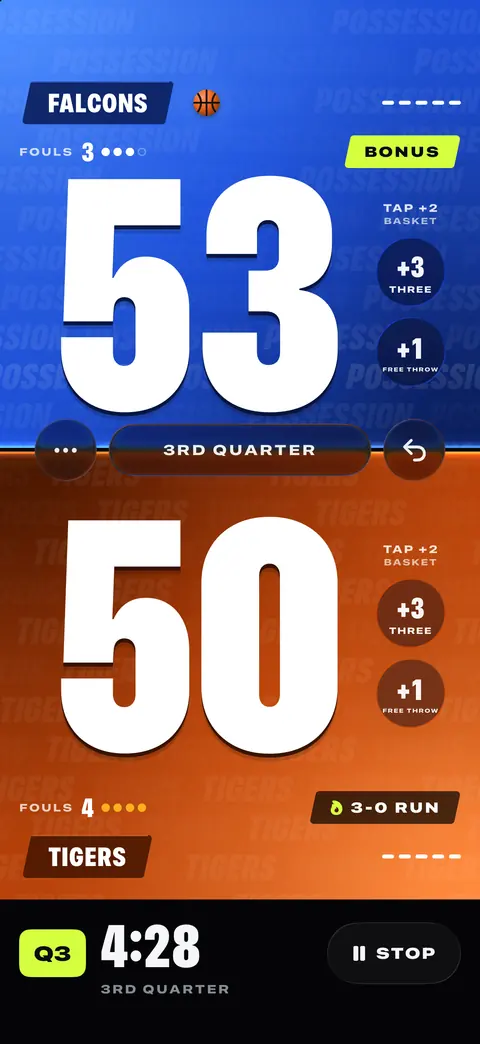
FIBA, NBA or College. Tap a side for a basket and add a three or a free throw beside it: Scoreboard Live runs the clock, counts the team fouls and puts BONUS on the board.

Free to downloadOne unlock for every sport, $3.99 once (US). No ads.
Keep score in four steps
- Pick Basketball on Home, choose FIBA, NBA or College, and pick who has the ball first.
- Tap START on the pad to run the clock; STOP pauses it. At 0:00 the quarter ends by itself.
- Tap a side for a basket (+2). The round buttons beside the score add a three (+3) or a free throw (+1). Every score hands the ball over.
- Hold a side to add a team foul or call a timeout. Over the limit, the other side shows BONUS.
The basketball guide
The rules in plain words, every setup option and each tap, with the quick tips the board needs.

Good to know
Which rules can I pick?
FIBA: 4 quarters of 10 minutes. NBA: 4 quarters of 12. College: 2 halves of 20. You can change the length, the overtime and the timeouts.
Does it count team fouls?
Yes. Hold a side to add a team foul. The count starts again each quarter (each half in College), and the board shows BONUS from the 5th foul in FIBA and NBA, the 7th in College.
Does it sound a buzzer?
No, the app has no sound. At 0:00 the period ends by itself with a haptic tap, and the board shows the break.
Basketball: part of the unlock
Scoreboard Live is free to download with a free board for any game. One unlock, $3.99 once in the US, adds every sport, Apple Watch scoring, team names and colours and your full history.
Know the rules
The rules behind the board, in plain words.
 News
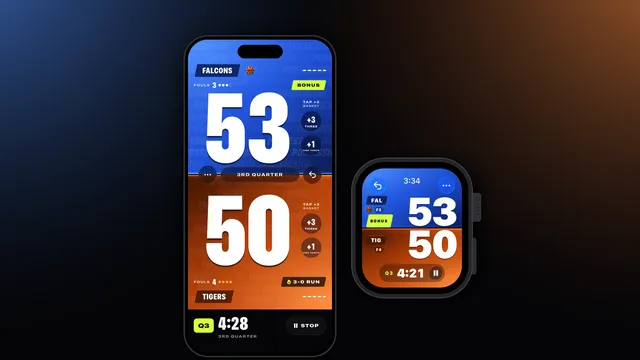
Scoreboard Live 1.1: game clock sports and baseball
A game clock and 15 sports that use one, baseball and softball, and Apple Watch scoring.
Read the post →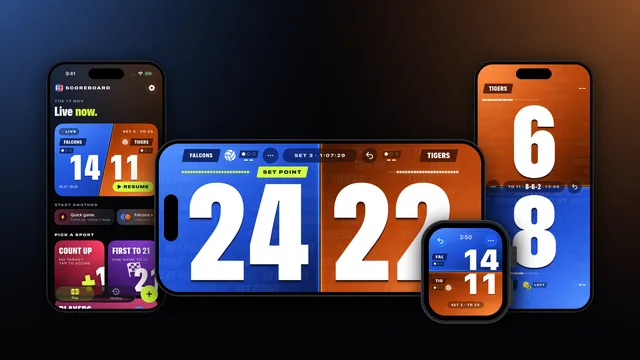 News
Scoreboard Live is here: a scoreboard for every game
What the app does, which sports it knows, and what is free and what comes with the one-time unlock.
Read the post →