 Scoreboard
Tap a half
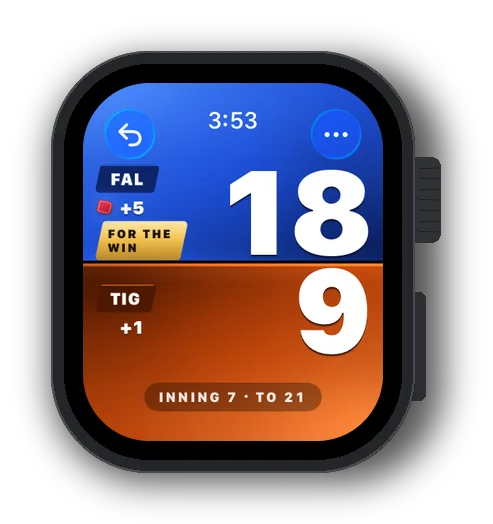
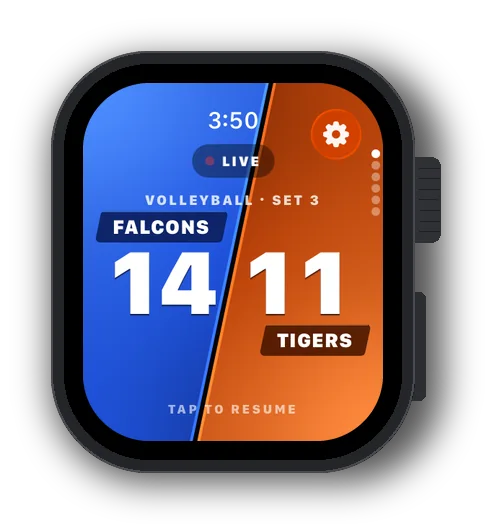
Each half of the watch face is a team. Tap for a point, with a haptic so you feel it.
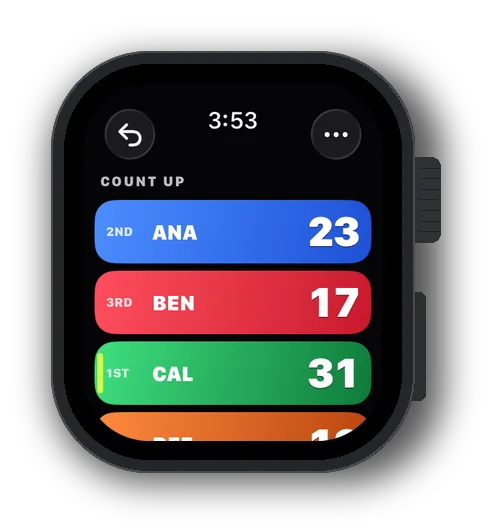
Scoreboard Live on Apple Watch keeps the serve, the sets and the calls just like the iPhone. Tap a half for a point; the iPhone keeps the same score, so either one can score.

Free to downloadOne unlock for every sport, $3.99 once (US). No ads.
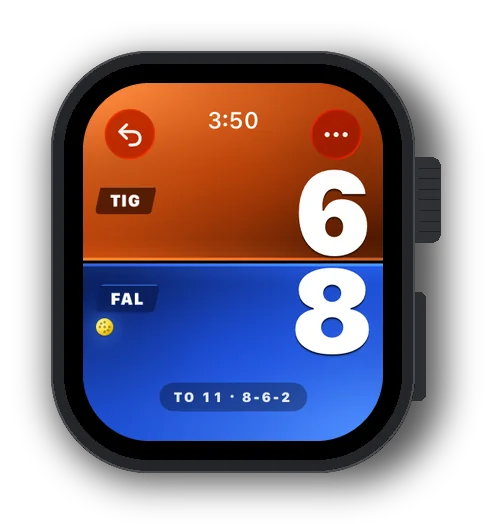
Each half of the watch face is a team. Tap for a point, with a haptic so you feel it.
Hold a half for -1, a timeout or to move the serve. Cornhole: +3 HOLE and END INNING.
Score on the watch or the phone, they keep the same game in step.
Lower your wrist and the board dims but stays readable.
Circular, rectangular, inline and corner: the game on, or the last result.
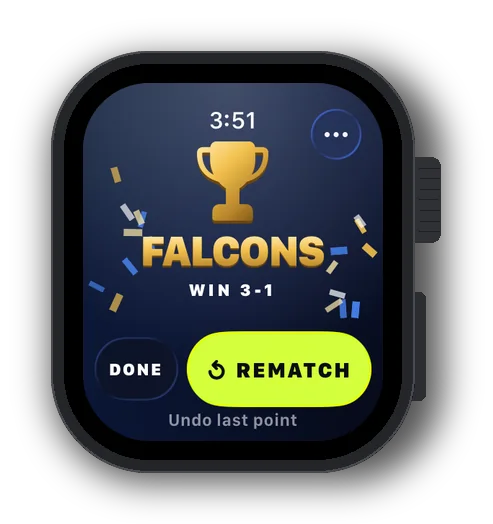
Win and the watch shows the result, with Rematch one tap away.
Yes. Scoring on Apple Watch comes with Scoreboard Unlock. Buy it on the iPhone and the watch picks it up.
Turn the Digital Crown to the sport's page and tap START. It plays that sport's last setup from your iPhone, or its default. You set formats and teams on the iPhone.
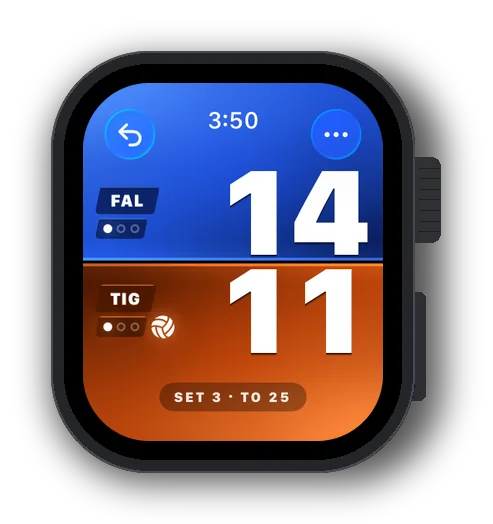
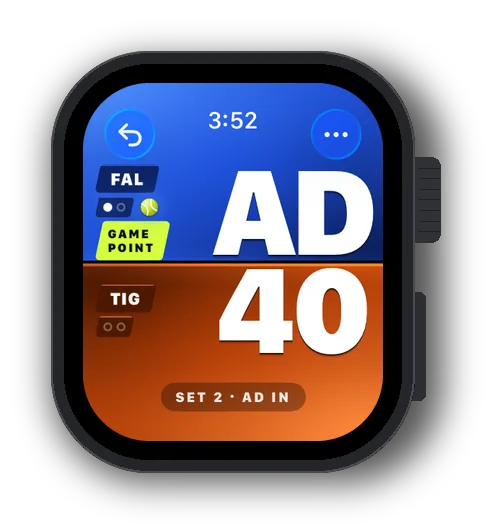
Tap a half for a point. Hold a half for -1, a timeout or to move the serve. Undo and the Menu are in the toolbar.
Yes. They score the same game and keep it in step directly with each other. Score on either one; a game started, renamed or ended on one does the same on the other.
With Always On, the board dims and stays readable. To come back to the board after the watch goes to sleep, set Settings › General › Return to Clock › Scoreboard › Return to App. The game is saved after every point either way.
The watch shows a darts game (who's throwing, the score left and the checkout), but darts is scored on the iPhone.
The watch app comes with the iPhone app. Once it's on your watch it scores its own games, and catches up with the iPhone when they're back in touch.
No. Scoreboard Live doesn't use Apple Health or start a workout.
Free to download. Watch scoring comes with Scoreboard Unlock, $3.99 once in the US. watchOS 26 or later.