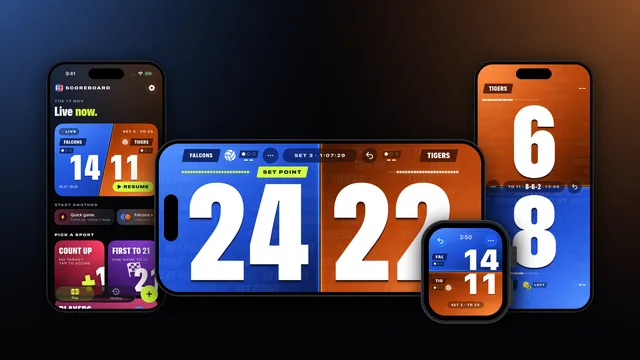
 Scoreboard
Sun mode
Sun mode makes the board easier to read outdoors. It uses flat colours, solid numbers and solid controls, and turns the screen brightness up to full while it is on.
- During a game, tap Menu.
- Tap Sun. Tap it again to turn it off.
You can also turn it on in Settings (the gear on Home) with Sun mode on the board. The app remembers your choice on this iPhone.
Keep-awake
The screen stays on while a board is showing. There is no switch for it: it is just on while you score. When you leave the board, the screen goes back to normal.
- After 20 minutes without a touch, the app asks "Still playing?" and says the screen sleeps in 10 minutes. Your score is saved.
- After 30 minutes without a touch, the screen may sleep. Open the app and your game is right where you left it.
Good to know
- Both are free.
- Appearance in Settings (System, Light or Dark) only changes Home and the sheets. The board is always dark.
- On Apple Watch, Sun mode is in the board's Menu too.
Free
You do not need the unlock for this.