 Scoreboard
Take a point back
- Pull down on a side, or hold the side and tap -1. That takes one point off.
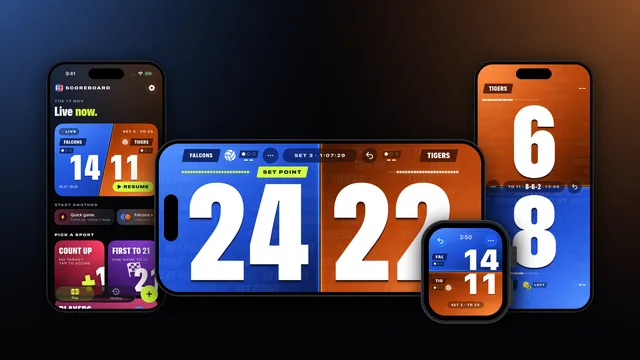
- Or tap Undo on the control strip. Undo goes back one step at a time, as far back as the start of the game.
- Tapped Undo by mistake? Redo shows beside it for a few seconds.
Rewind several steps
- Press and hold Undo. The REWIND list shows your last 12 actions, with the score and the time.
- Tap a row to go back to it. If it is more than 3 steps back, the app asks you to confirm.
Fix other things
- The serve is wrong: hold the side that should serve and tap SERVE HERE (BALL HERE, BREAKS HERE or PITCHES FIRST in some sports). Or tap Menu, then Serve.
- The sides are the wrong way round: Menu, then Swap.
- A team name or colour is wrong: hold the side and tap EDIT TEAM (needs the unlock).
- A timeout was a mistake: Undo takes it back.
- The clock is wrong (clock sports): tap the clock to open SET CLOCK.
- Cornhole: hold a side and tap -1 BAG, or use SCORE +1 and SCORE -1 to fix the game score.
- Baseball: hold a side and tap -1 RUN, or NEW BATTER to put the count back to 0-0.
- Golf and cards: open the round table and fix any earlier round.
Start over
Open the Menu for these. Each one asks you to confirm first.
- Reset puts the score back to 0-0. Undo brings it back.
- Finish now ends the game on the score it has. Undo still works.
- Discard drops the game without saving it.
Good to know
- After a game ends, the trophy has Undo last point if the last point was a mistake.
- Every point is saved as you score it, so a closed app does not lose anything.
Free
You do not need the unlock for this.