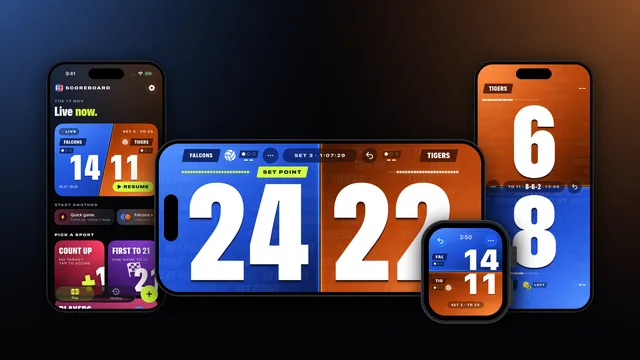
 Scoreboard
Turn it on
- On Home, tap the Settings gear.
- Under SCORING, turn on Left-handed controls.
What changes
The control strip on the board holds Menu, the score bug and Undo. Normally Menu is at the left end and Undo at the right end. With left-handed controls, the strip is mirrored: Undo moves to the left end and Menu to the right end, so Undo is under your left thumb.
Good to know
- It changes the strip on the iPhone board. It applies to games between teams and to games with players.
- Scoring is still a tap on a side, wherever you hold the phone.
- The setting is free, and it stays until you turn it off.
Free
You do not need the unlock for this.