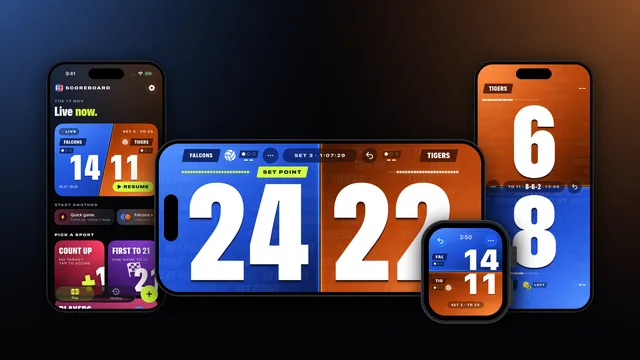
 Scoreboard
Your first game
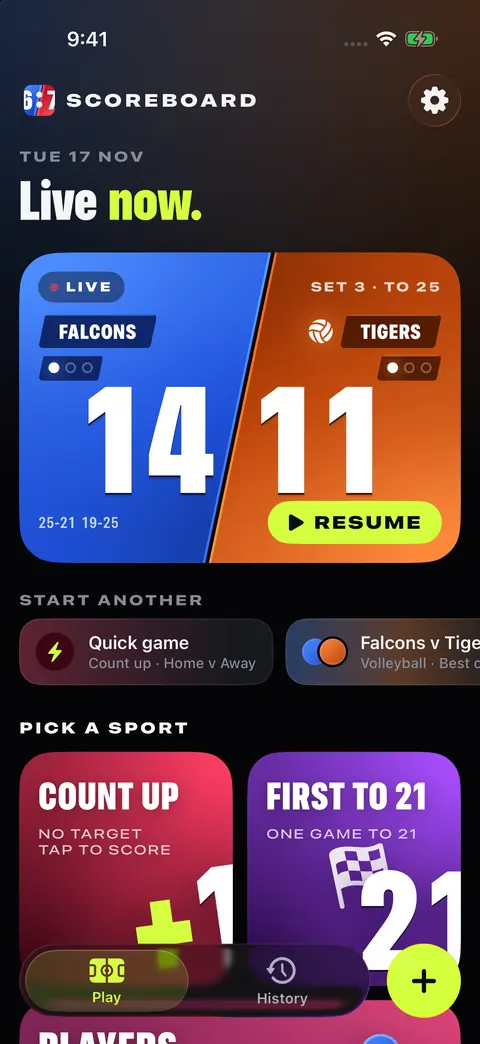
- Open Scoreboard (the app's name on your Home Screen). Home has two pages, Play and History, on the bar at the bottom. The round + button starts a new game.
- On Play, tap a sport poster. Count up and First to 21 are free. The other sports show a lock until you unlock the app, and tapping one opens the unlock. Every sport has its own poster, and the clock sports and baseball are in the big posters and under MORE SPORTS.
- The setup page opens. At the top, SPORT lets you switch sport. Then you set the teams, the format (sets, games, target, time) and FIRST SERVE. TOSS flips a coin for it.
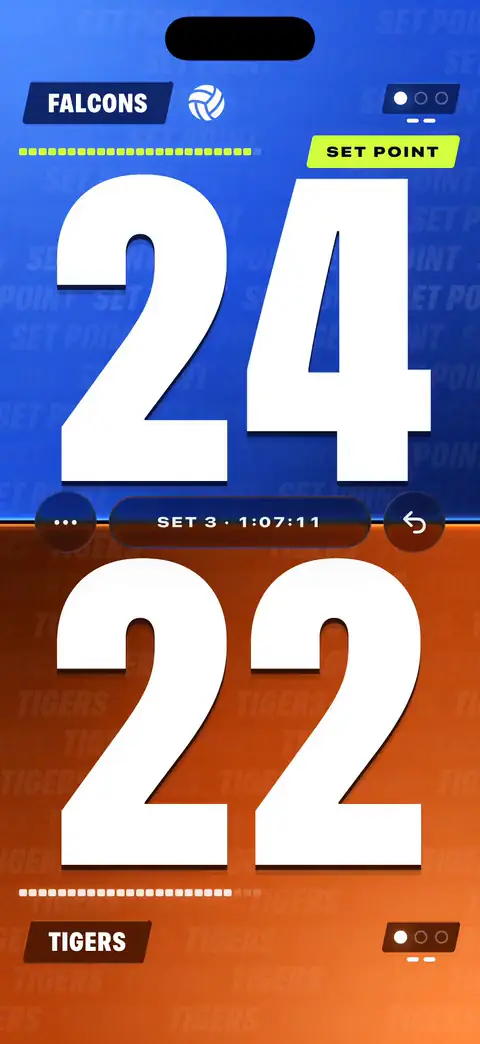
- Tap START. The board opens with two big numbers, one for each side.
- Tap a side to give it a point. Pull down on a side to take a point back. Hold a side for its menu: timeouts, the serve, bigger scores and EDIT TEAM. Holding never changes the score by itself.
- The control strip across the middle has Menu, the score bug and Undo. Undo goes back as far as the game goes.
- When the game ends the board shows the winner. Tap REMATCH to play again, Share to send a picture of the result, or Done.
Shortcuts on Home
- START ANOTHER shows one tap setups: a quick game, and your recent games to play again.
- Press and hold a sport poster for Quick start (your last setup for that sport) or Set up.
Good to know
- The screen stays on while the board is showing, and every point is saved as you score it, so a closed app picks up where it left off.
- There is no account, no sign in and no ads. The app works fully offline.
- Your games stay on your iPhone, and on your Apple Watch if you score there.
- Not sure how a sport works? Open its guide: they are all in the guides.