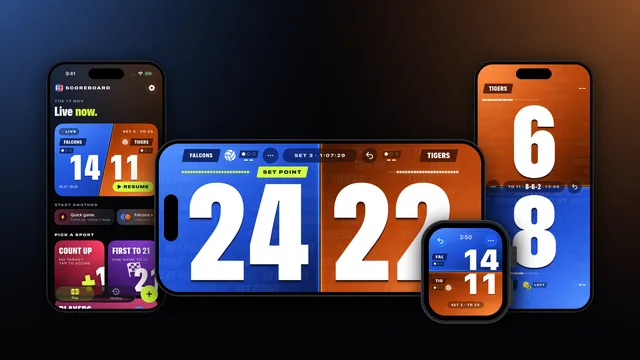
 Scoreboard
What it is
A Live Activity is the score, kept up to date for you outside the app. Scoreboard Live shows one while a game is on the board:
- on the Lock Screen,
- in the Dynamic Island (compact, expanded and minimal views), on iPhones that have one,
- and in the Smart Stack on your Apple Watch.
How to use it
- Start a game as usual. The Live Activity starts by itself.
- Score in the app. The Live Activity follows every change.
- Lock your iPhone or go to another app. The score stays on the Lock Screen and in the Dynamic Island.
- Tap it to jump back to the board.
- When a game ends, the final result stays on the Lock Screen for 15 minutes. A game you discard goes at once.
If you do not see it
- On your iPhone, open Settings, then Apps, then Scoreboard.
- Turn on Live Activities.
Good to know
- It shows the score. You score in the app: the Live Activity has no buttons for points, so a stray tap never costs a point.
- It is free. It also works for games with players, which have their own look.
- In the clock sports it shows the period and the running clock, and in baseball and softball it shows the inning.
Free
You do not need the unlock for this.