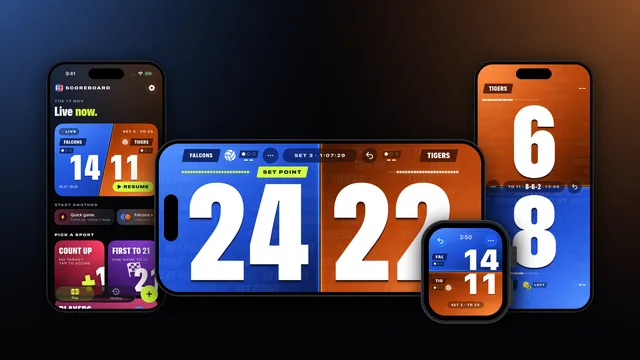
 Scoreboard
The rules in plain words
- Count up has no target. Both scores go up until you finish the game yourself.
- First to has a target: 11, 15, 21, 25, or any number from 1 to 999. The first side to reach it wins.
- Win by is 1 or 2. With win by 2, a side has to be 2 points ahead once the target is reached, so the game can run past it.
- Cap is optional. Switch it on and the first side to reach the cap wins, even without a 2 point lead. The cap has to be above the target (the app suggests the target plus 4).
- There are no sets and no serve. Points can be any size, so it suits any game you can count.
Set it up
| Option | Choices |
|---|---|
| Target | Count up, 11, 15, 21, 25 or Custom (1 to 999) |
| Win by | 1 or 2 (only with a target) |
| Cap | Off, or On with a number above the target |
Score it in the app
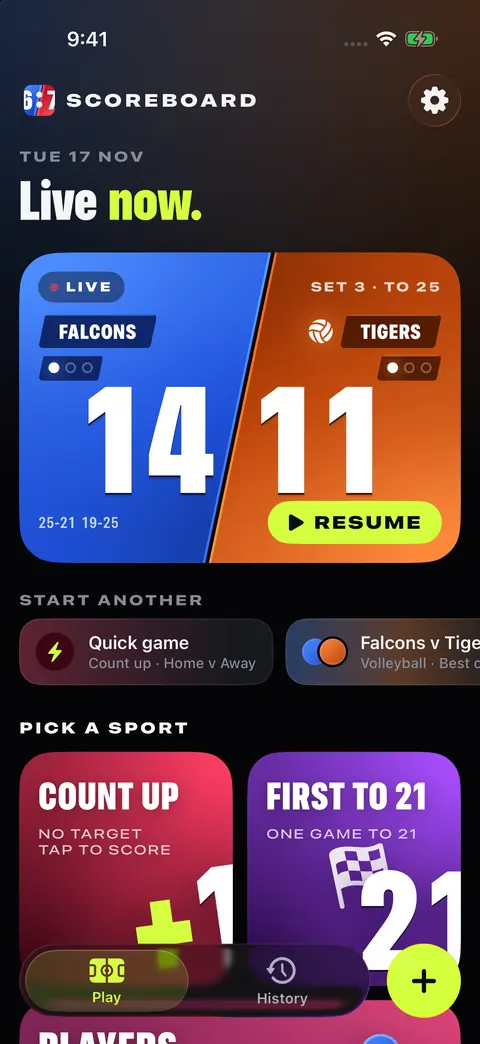
- On Home tap Count up or First to 21. Pick a target if you want a different one, and tap START.
- Tap a side to give it 1 point.
- Hold a side for 0.5 seconds. The menu offers +2, +3, +5, +10 and ADD... for any amount. Holding never changes the score by itself.
- Pull down on a side to take 1 point off.
- When a side reaches the target the board shows the winner. One point before the target, the board says GAME POINT.
- Tap REMATCH to run it back, or Done to save it.
Good to know
- Teams are HOME in blue and AWAY in red, as the team names and colours come with the unlock.
- The screen stays on while the board is showing.
Free
You do not need the unlock for this.