 Scoreboard
Name your teams
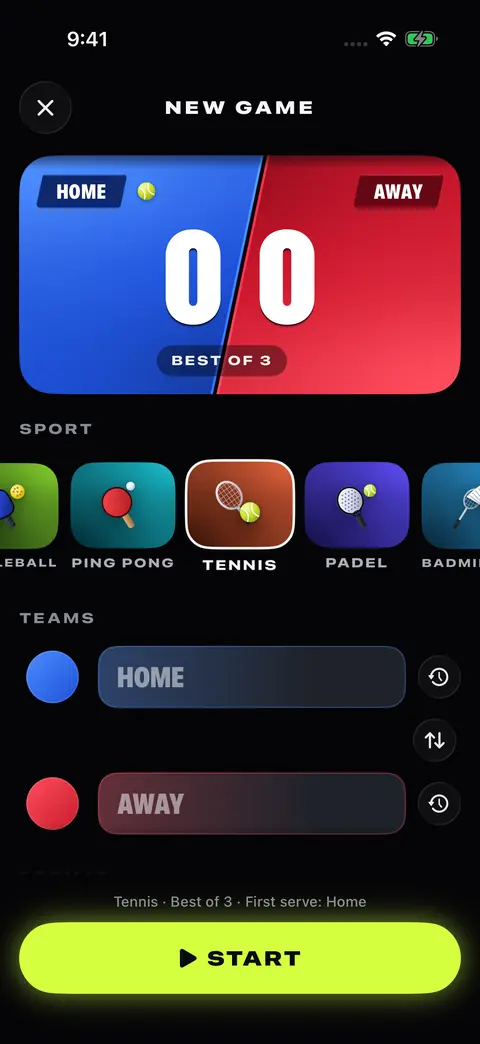
- On the setup page, find TEAMS. Tap a name and type: up to 18 characters.
- Tap a colour for each team. There are 12: Red, Orange, Yellow, Green, Teal, Blue, Indigo, Purple, Pink, Steel, Carbon and White.
- Tap the clock button for your recent teams, to reuse a name and colour.
- Swap teams with the Swap teams button if you want the other side first.
Change them during a game
- Hold a side on the board and tap EDIT TEAM.
- Or tap Menu, then Teams.
Good to know
- Without the unlock, every game is HOME in blue against AWAY in red. The team rows show a lock and open the unlock.
- With players (2 to 8), each player has a name and a colour in the same way. A name you leave empty is saved as Player 1, Player 2 and so on.
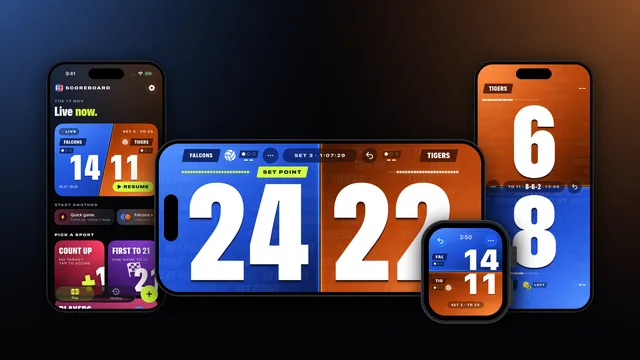
- Team names show on the board, in the score bug, in History, on the result poster, in widgets and in the Live Activity.
Needs the unlock
This is part of Scoreboard Unlock: one purchase, $3.99 once in the US (your local price elsewhere), that opens every sport, 2 to 8 players, Apple Watch scoring, team names and colours and your full history. No subscription, and Family Sharing is included. See what the unlock includes.