 Scoreboard
The rules in plain words
- Point-a-rally: every rally is a point for the side that wins it.
- Games: to 11 by default (or 15), and you must win by 2. A match is best of 5 games by default (1 or 3 are in setup).
- Serve: the side that wins a rally serves next. The winner of a game serves first in the next game.
- Ends and timeouts: none to keep track of in the app.
- Calls: GAME POINT, and MATCH POINT in a match of more than one game.
Set it up
| Option | Choices |
|---|---|
| Best of | 1, 3 or 5 games |
| Games to | 11 or 15, win by 2 |
| First serve | Pick a team, or tap TOSS |
Score it in the app
- On Home tap Squash. Choose the format, pick who serves first (or tap TOSS) and tap START.
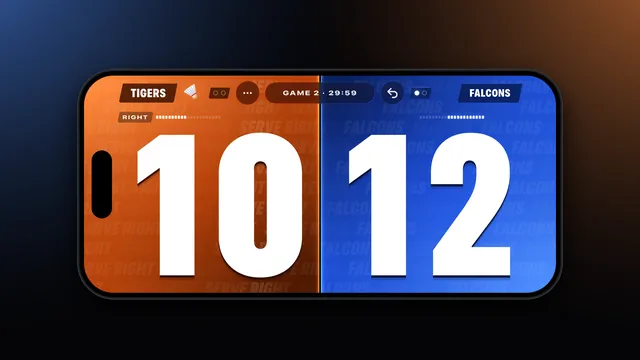
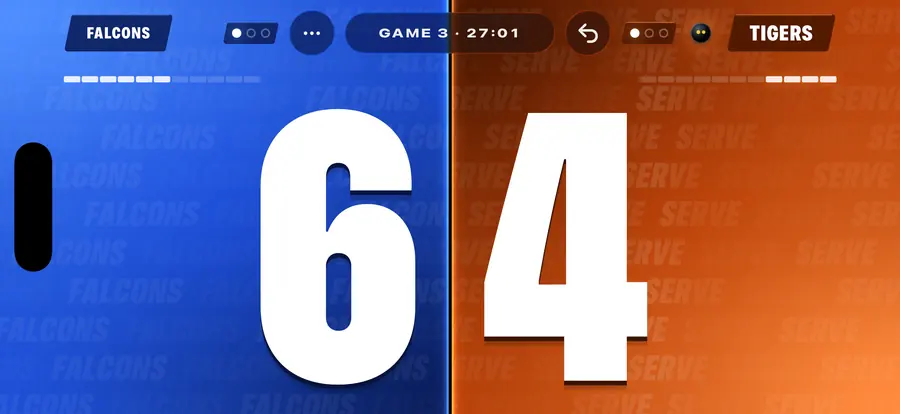
- Tap the side that won the rally. The ball marker follows the serve.
- Between games a card shows the game score. Tap START GAME 2 (or 3, and so on) to carry on.
Good to know
- Fix a mistake: pull down on a side to take one point off, or tap Undo on the control strip. Press and hold Undo to see your last 12 actions and jump back to any of them.
See how squash looks on the board: Squash in Scoreboard Live.
Needs the unlock
This is part of Scoreboard Unlock: one purchase, $3.99 once in the US (your local price elsewhere), that opens every sport, 2 to 8 players, Apple Watch scoring, team names and colours and your full history. No subscription, and Family Sharing is included. See what the unlock includes.