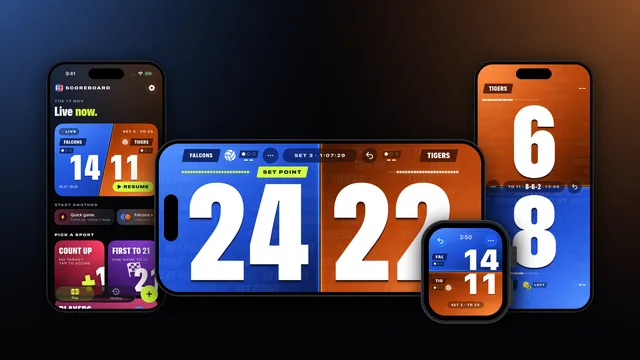
 Scoreboard
Buy it
- Tap any lock in the app (a sport poster, a team name, History), or the UNLOCK button at the top of Home.
- The unlock sheet lists what you get. Tap UNLOCK and the price. The App Store takes the payment.
- When it lands, the app celebrates and everything opens.
The unlock is a one time purchase, charged to your Apple Account. Nothing renews. The price is $3.99 in the US, and the App Store shows yours.
Restore it
Bought it already? On a new iPhone, or after you reinstall the app:
- Sign in to the same Apple Account in the App Store.
- In Scoreboard Live, open Settings (the gear on Home) and tap Restore Purchases. The unlock sheet has a Restore Purchases button too.
If the app says NOTHING TO RESTORE, this Apple Account has not bought the unlock. If you are signed in with another account, switch in Settings and restore again. If it says APP STORE UNREACHABLE, check your connection and try again. Once the app knows you have the unlock, it works offline.
Family Sharing
Family Sharing is included. If someone in your Apple family group bought the unlock, you get it too, and the unlock sheet says it is shared with you. If they stop sharing it, or refund it, the app tells you. Your games are always still there.
Ask to Buy
If a purchase needs approval, the app shows WAITING FOR APPROVAL. It unlocks the moment it is approved, even with the app closed.
On Apple Watch
Buy it on the iPhone. The watch picks it up. If the watch still asks, tap CHECK AGAIN.